Airbnb's new house rules, explained for hosts
Every change in plain English, with practical ways to adapt your listing, your space and your cleaning routine.
Airbnb's new house rules apply to every reservation booked on or after November 20, 2026. Most of the changes take tasks off the guest's plate and hand them back to the host.
Guests can no longer be required to do cleaning tasks at checkout. And, with a few specific exceptions, hosts can't charge their own fines, ask for copies of a guest's ID or require a separate contract. In return, rules are clearer, and hosts have a way to cancel when a guest doesn't follow them.
Here's every change in plain English, with practical ways to adapt your listing, your space and your cleaning routine. If you only have a minute, start with the short version.
The short version
| Topic | What changed |
|---|---|
| Checkout | In general, guests can't be required to wash dishes, strip beds, start laundry or take trash off the property. |
| Rules | Every rule has to be in the House rules section of your listing, visible before booking. |
| Standard rules | 7 standard rules, plus reasonable Additional rules. See section 3 for the distinction between standard and Additional rules and the guidance on cancellation. |
| Fines | Hosts can't charge their own fines. Damage goes through Airbnb. Fines from local government or an HOA can be disclosed. |
| Contracts | Separate contracts are only allowed in a few specific cases. |
| Guest info | With a few specific exceptions, you can't ask for contact details, ID copies, payment info, background checks or biometric data. |
| Apps and sign-ups | With a few specific exceptions, guests can't be required to download an app or sign up on another site. |
| Wi-Fi | Login pages that ask for an email or other personal data aren't allowed, except at hotels and resorts or when another exception applies. |
| Reviews | You can't ask for reviews or surveys on other sites, except at hotels. |
| Flagged rules | The initial review runs through March 2027 and continues after that. You get at least 20 days to fix or appeal a flagged rule. |
1. Checkout: fewer chores, more hotel-style
What changed. You can't require guests to do chores before they leave. That rules out four common tasks:
- Washing or putting away dishes
- Stripping the beds
- Starting the laundry
- Taking the trash off the property
You can still ask for light, reasonable things: used dishes in the sink, used towels gathered in one place, trash sorted into indoor bins and the AC off when they leave.
What you can do. When you can't require something, small changes to the space can make it easier for guests to help.
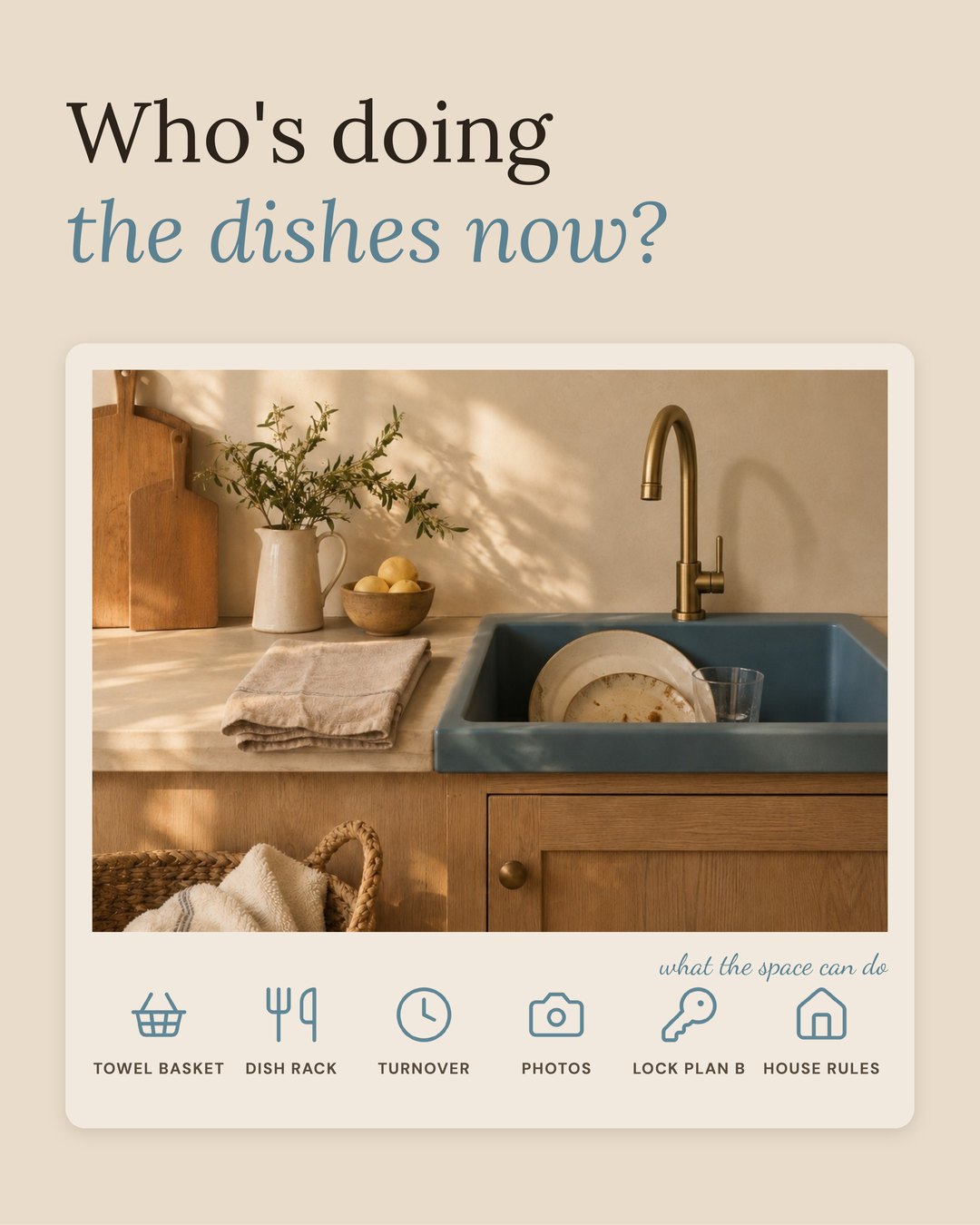
- Put a basket for used towels next to the shower. It shows guests where towels go, no list needed.
- Leave a dish rack by the sink. Used dishes get an obvious place, and on longer stays guests can wash and dry what they use.
Small cues can encourage guests to show care for the place.
2. Turnover: your cleaning team has less time
What changed. This isn't a rule, it's the consequence. What guests used to do is now your cleaning team's time. An extra five to ten minutes per home may sound minor, but over a day of ten homes, that's 50 to 100 more minutes of work.
What you can do.
- Time a full turnover. Include dishes, beds and laundry, so you know the real workload.
- Keep one or two extra sets of clean linens ready for every bed. That way, the turnover doesn't have to wait for the washer.
- Adjust check-in or checkout times only if you need to. If a full clean doesn't fit in the window, a later check-in beats a rushed room.
Once you've timed it, look at the whole day: how many properties each person covers, travel time between them, scheduled hours and how you pay. If you pay per property, check what that rate used to include. If you pay by the hour, make sure the hours still add up. A basket helps, but it doesn't solve the workload.
3. Rules: all in one place, before booking
What changed. Every rule now lives in the House rules section of your listing, where guests see it before they book. A rule you add later by message, sign or in person doesn't count.
House rules come in two groups:
- 7 standard rules you set up: maximum overnight guests, quiet hours, events, pets, smoking and vaping, commercial photography and filming, and locking up at checkout.
- Additional rules for everything else. They must be reasonable, and guests are expected to respect them.
Airbnb says you can cancel with no fees if a guest breaks a house rule during the stay, or says before check-in that they plan to. Its public page doesn't explicitly distinguish between standard and Additional rules.
However, Rental Scale-Up reports that Airbnb confirmed by email that this right applies only to standard rules. If a guest breaks an Additional rule, check with Airbnb before canceling.
What you can do.
- Pick the standard rules that fit your home. Pets, quiet hours, number of guests: set what actually matters for your space and your neighbors.
- Move everything else into Additional rules.
- Let messages and signs repeat your listing, not add to it. Reminders are fine. A new rule after booking isn't.
4. Fines and damage: how to prevent and how to claim
What changed. Hosts can no longer charge their own fines. Amenities you list have to be included in the price, though you can mention fees for truly optional extras, like breakfast. If something gets damaged, you request reimbursement through Airbnb. One exception: you can disclose, at the bottom of your House rules, fines that local government or an HOA may charge.
What you can do. For damage claims, good records matter.
- Photograph every room before each check-in. Keep the date. It's your reference if something breaks.
- Photograph damage before you repair it. Keep receipts or repair estimates.
- Know the Host Damage Protection deadlines. If your listing is eligible, you have 14 days after checkout to try to collect from the guest and notify Airbnb, and 30 days to file a claim with evidence through the Resolution Center.
- Make damage less likely. A tray under the coffee maker or hooks for wet towels can prevent more damage than a fine.
5. Separate contracts: only in specific cases
What changed. Many hosts ask guests to sign a rental agreement or liability waiver before arrival. That's now only allowed when it's required by:
- Local law
- A documented HOA or building rule
- Your insurance company
It's also allowed for truly optional amenities that aren't part of the advertised stay (for example, a golf cart rental), for stays of 28 nights or more and for Luxe listings.
What you can do.
- Check whether your contract fits one of these cases. If it does, disclose its terms in your listing and keep proof of the requirement on hand.
- If it doesn't, move what matters into your House rules. Review each clause: moving it into your rules doesn't automatically make it allowed. It has to be reasonable.
- Keep amenity waivers optional and tied to that amenity. The guest signs only if they choose to use it.
6. Guest info, apps, Wi-Fi and reviews: what hosts can request
What changed. Hosts can't ask guests for:
- Contact details like email, phone or home address
- Copies of their ID
- Payment information
- Background checks or biometric data
The exceptions are few: local law, a documented community rule or an allowed contract. You can still check a guest's ID in person, if your listing says so, but you can't keep a copy. Some guests in the US and Canada may get a temporary phone number for contact.
Three related changes:
- Apps and sign-ups. Guests can't be required to download an app or create an account on another site, unless it's required by law, a documented community rule or an allowed contract. If you use a smart-lock app, you have to offer another way in when a guest asks.
- Wi-Fi. Login pages that ask for an email or other personal data aren't allowed, except at hotels and resorts or when another exception applies.
- Reviews. You can't ask guests to leave a review or fill out a survey on Google or any other site, unless your listing is a hotel.
What you can do.
- Review your pre-arrival form. Remove fields for email, phone, ID copies or payment info, unless an exception applies to you.
- Have a plan B for lock apps. A code, a lockbox or a key, ready in case a guest asks.
- Use a simple Wi-Fi password. Put it in your check-in instructions and on a card by the router.
- If you need to see ID, do it in person. Say so in your listing, and don't keep a copy.
7. If Airbnb flags one of your rules
What changed. The initial review of rules runs from November 20, 2026 through March 2027. After that, Airbnb keeps reviewing on an ongoing basis. The listing editor can also flag rules that don't fit. Here's how it works:
- Airbnb emails you with the rule and the reason.
- You get at least 20 days to change the rule or appeal.
- If the issue persists, Airbnb may take action, like showing a notice on your listing, lowering it in search or other measures. There's no fixed order for every case.
A flagged rule isn't, on its own, a suspension. Suspensions or removals of listings fall under other Airbnb policies, for severe or repeated violations.
What you can do.
- Read the email carefully. It tells you which rule and why.
- Change or remove the rule. Once it fits the policy, you're set.
- Appeal only if you have a real reason. An HOA rule or local law counts, and you'll need proof.
- Don't wait for the email. Review your House rules now, while you have time to rethink them instead of rushing a fix.
What works in your favor
Most of these changes add work, but two things help you.
- Clearer rules. Everything is in one place and visible before booking. Fewer "I didn't know" conversations, fewer disputes.
- A clear way to cancel. If a guest breaks a house rule, or says before check-in that they will, you can cancel with no fees. If it's an Additional rule, check with Airbnb first.
Design the goodbye. Don't dictate it.
For years, the checkout list did a lot of the work. Now it's time to rethink how that work gets shared and what the space can make easier.
A basket for towels, a dish rack by the sink, the Wi-Fi password on a card: none of these are rules, and all of them can make it easier for guests to pitch in. When a stay is well designed and everything is clear, there are fewer gray areas.
That's the work we do at Bellhost: looking at a property as a whole, from the listing to the goodbye, and finding where the space, the operation and the way you welcome guests can do more.
A personal take: I feel Airbnb wants guests to have almost no contact with hosts outside the platform. The temporary phone numbers, the rules in one place: it all points that way. In such an automated world, I think a good answer is the opposite. When your operation allows it, have someone at check-in to welcome guests, show them around and walk the home with them, so you both see the condition it's handed over in. If that's not possible, photograph everything. I believe technology should make the stay easier without losing the human touch. Let's make Airbnb more personal.
This article explains Airbnb's published policy and isn't legal advice. Rules may vary by location, building or listing type.

Written by Yanina A.
Founder, Bellhost